Manufacturing and B2B
Present product ranges, technical specifications and downloadable catalogues. Add a quotation form so buyers can explain their requirements without relying on a general contact message.
A manufacturer may want buyers to browse its products and request a quotation. A logistics company may need to explain its services and coverage. A CA firm needs to show prospective clients which services it offers and how to get in touch.
Although these businesses all need an online presence, their requirements are different. The project should begin with a clear understanding of the business, not simply with a design template.
Techthaastu Pvt Ltd develops websites around your services, customers and business goals. Depending on your needs, that could mean clearer service pages, a product catalogue, a more useful enquiry form or additional functionality for your team.
It helps to answer four simple questions:
Delhi has a mix of manufacturers, wholesalers, retailers, professional firms and service companies. Their websites need to reflect how they find customers and handle enquiries.
For example, a supplier serving buyers around Okhla or Naraina may need product specifications and bulk enquiry options. A professional practice may need individual service pages and practitioner details. A retailer may be better served by a product catalogue or online store.
Areas such as Wazirpur, Patparganj, Narela and Bawana are also relevant when considering industrial and B2B requirements. The right website structure, however, depends on each company's products, customers and working process.
Present product ranges, technical specifications and downloadable catalogues. Add a quotation form so buyers can explain their requirements without relying on a general contact message.
Explain the services offered by CA firms, consultants, insurance businesses and legal practices. Clear service descriptions and contact details help visitors decide whether to make an enquiry.
Organise products into useful categories, answer common buyer questions and decide whether customers should enquire, request a quote or place an order online.
A website does not always need to be rebuilt from scratch. Sometimes a few changes to the content, navigation or enquiry process are enough to make it more useful. A larger redesign may make sense when the existing setup can no longer support the business.
Organised menus, specific service pages and straightforward headings make important information easier to find.
A form tailored to the service can ask visitors about their requirements, relevant products and preferred contact method.
Depending on the workflow, downloadable documents, structured forms or a client portal may make routine exchanges easier to manage.
New services, larger product ranges or changes in internal processes may call for new pages, a content management system or custom functionality.
The best option depends on what visitors need to do and how your team works behind the scenes. These are some common starting points.
A practical choice for companies that want to explain their services, introduce their team and make it easy for customers or business partners to get in touch.
Manufacturers, wholesalers and retailers can present their products online. Whether visitors enquire or buy directly depends on the sales process.
CA firms, consultants and other professional practices need to explain what they do and help potential clients understand which service is relevant to them.
When a company has a particular service, offer or campaign to promote, a focused landing page can keep the message and next step clear.
More functionality does not automatically make a website better. Each feature should address a real need for customers or staff.
| Feature | What it helps with | Possible benefit |
|---|---|---|
| Product catalogue | Shows buyers products and relevant specifications. | Better-informed product enquiries. |
| Structured enquiry form | Collects details about the visitor's requirement. | More context for the first conversation. |
| Service-specific pages | Explains each offering separately. | A clearer path to the relevant enquiry. |
| Content management system | Lets authorised staff update supported content. | Routine edits may not need developer involvement. |
| Payment integration | Connects the website to an agreed payment provider. | Online payment where it suits the business. |
| Client portal | Provides approved users with selected information or actions. | A more organised way to handle certain client tasks. |
These are possible benefits, not promised results. Outcomes depend on the implementation, business processes and how customers or staff use the system.
The terms are related, but they do not mean the same thing. Choosing the right type of solution early can prevent unnecessary complexity.
Shares information about a company, its services or products. Visitors may browse pages, submit enquiries or place orders.
Example: A manufacturer's website with product categories and a quotation form.
Gives authorised users access to information, documents or actions after signing in.
Example: A client area for viewing selected documents or checking request status.
Handles defined tasks, data processing, workflow rules or operational activities.
Example: An internal tool for managing requests, approvals and status updates.
Start by explaining who will use the system, what they need to do and which tools your team already uses. Those details help define whether a regular website is enough or a portal or application needs separate planning.
Design matters, but the less visible parts of a website matter too. Mobile usability, search settings, data handling and future maintenance should be considered during planning rather than left until the end.
Menus, buttons, forms and product details should be comfortable to use on smaller screens. A responsive layout should do more than simply shrink the desktop design.
Useful page titles, meta descriptions, logical headings, crawlable links and appropriate sitemap and canonical settings help search engines interpret a website. Rankings are not guaranteed.
Optimised images, sensible page resources, readable contrast, keyboard access and properly labelled forms make a website easier to use.
Websites handling accounts, payments or client documents need appropriate validation, access controls and security testing for their intended use.
CRM, payment and business-system connections depend on the provider, API availability, permissions and the agreed handling of errors and ongoing changes.
Before work starts, clarify domain and hosting arrangements, source-code handover, account access, backups, update responsibilities and any post-launch support.
AI coding tools can be useful when creating an early prototype, exploring a layout or drafting parts of an implementation. They can help move an idea forward, but a working screen is only one part of a finished website.
The project still needs decisions about page structure, user permissions, data handling, integrations, maintainability and testing. These details are especially important when a website stores client information or supports business operations.
Techthaastu can consider AI-assisted tools where they suit the work, while keeping human technical judgement involved in the agreed requirements and implementation. The actual review and testing activities should be specified for each project.
A clear brief makes it easier to agree on deliverables, responsibilities and a realistic schedule. A typical project can move through the following steps.
Discuss the business, its audience, the existing website and what needs to improve.
List the pages, content, forms, integrations and custom features the project requires.
Review deliverables, assumptions, dependencies, commercial terms and the proposed timeline.
Build the agreed pages and functionality around the needs of the intended users.
Check the agreed layouts, forms, responsive behaviour and integrations before release.
Confirm launch arrangements, access details, documentation and any agreed support after release.
The work involved matters more than the label attached to a project. A small company website is different from an online store with product management, payments and connections to other business systems.
The number of pages, custom layouts, catalogue size, user roles and content management requirements affect the amount of work.
Supplying final text and images is different from preparing product information, writing content or arranging new photography.
Existing data, payment providers, CRM connections and external APIs may require additional setup and testing.
Access to existing systems, feedback turnaround, third-party credentials and approval cycles can affect delivery dates.
A straightforward business website generally involves less work than a catalogue-driven store or a custom application. The timeline should be confirmed after the pages, functionality, content and dependencies have been discussed.
You do not need a complete technical document to start. A few details about your business and expectations will help make the first discussion more productive.
If some details are still undecided, share what you know. The remaining requirements can be discussed before the scope is finalised.
Whether you are starting a company website, improving an existing site or planning a product catalogue, begin with the problem you want to solve. Share your requirements with Techthaastu to discuss the possible scope, technical considerations and next steps.
CHECK OUR CREATIVE WORK

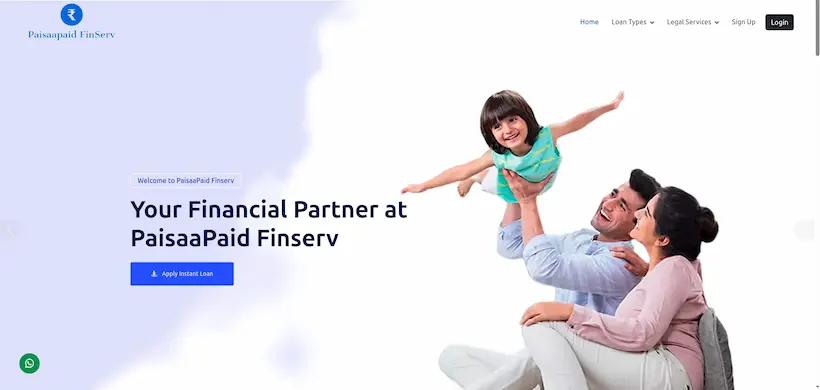
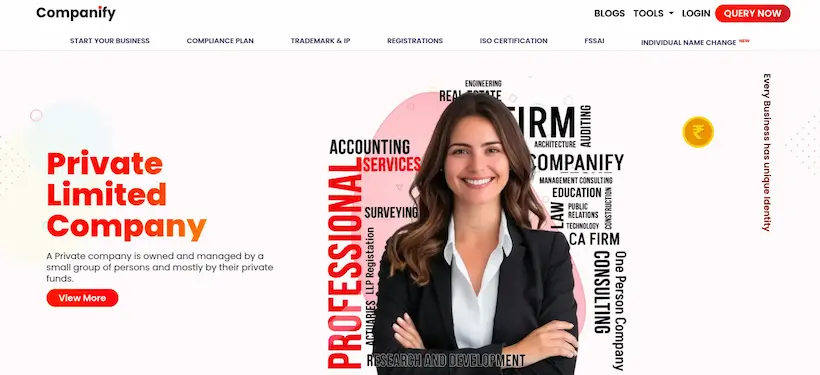
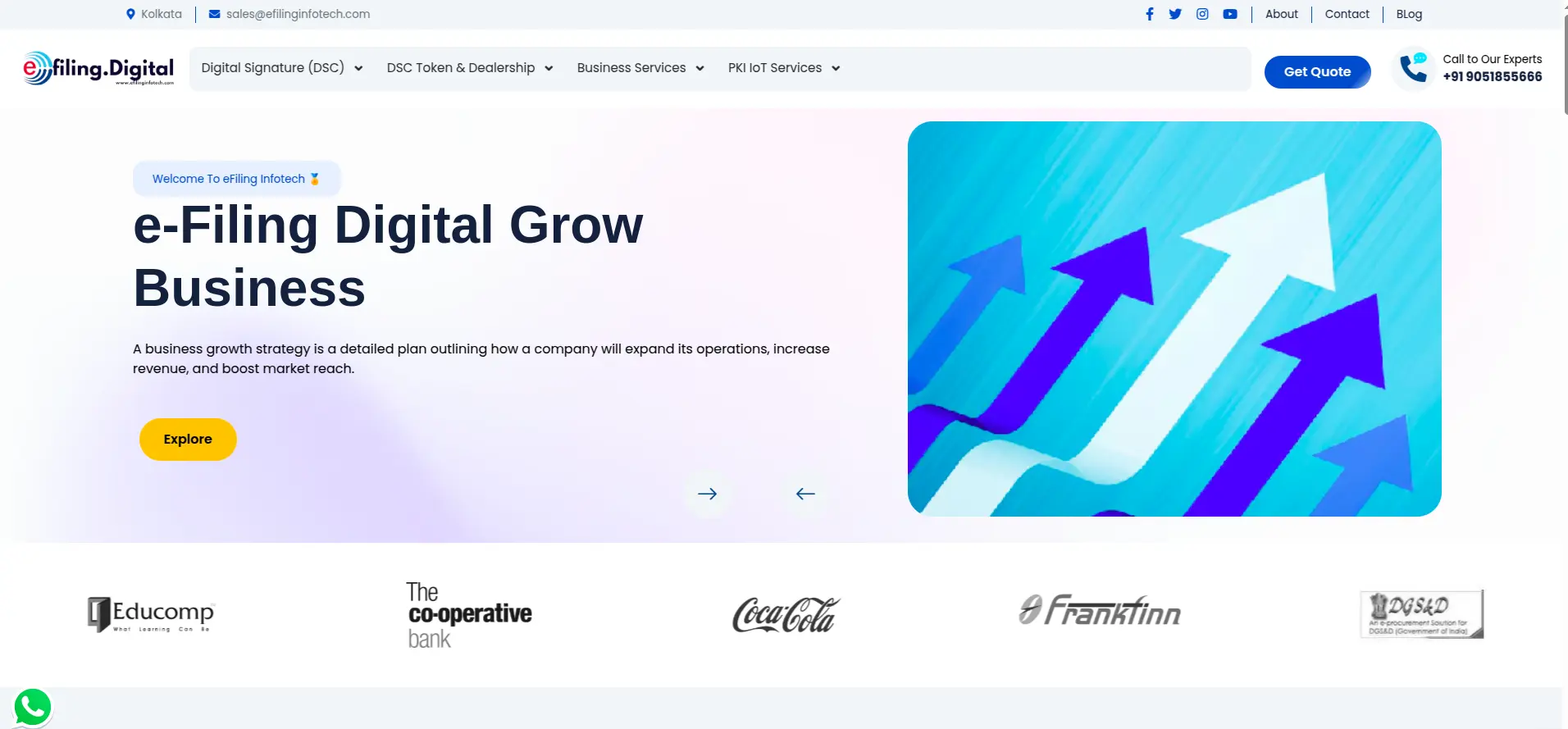
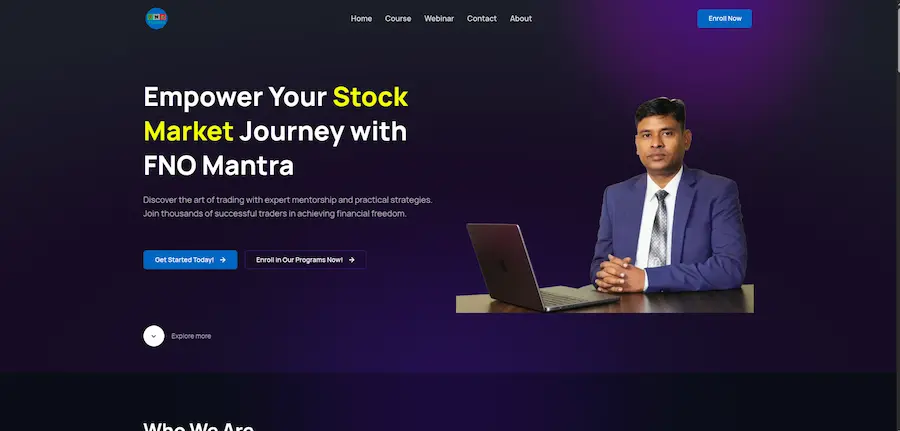

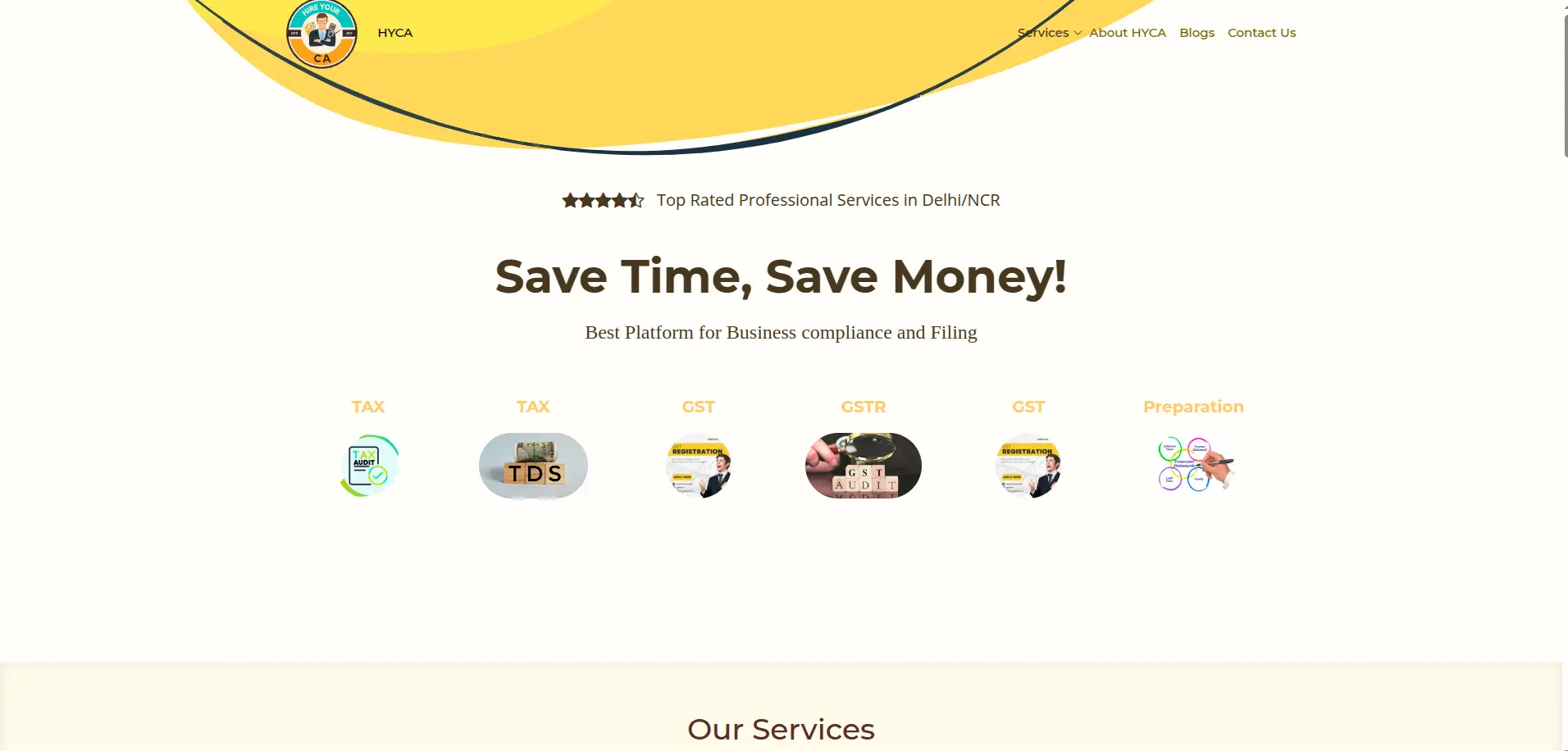
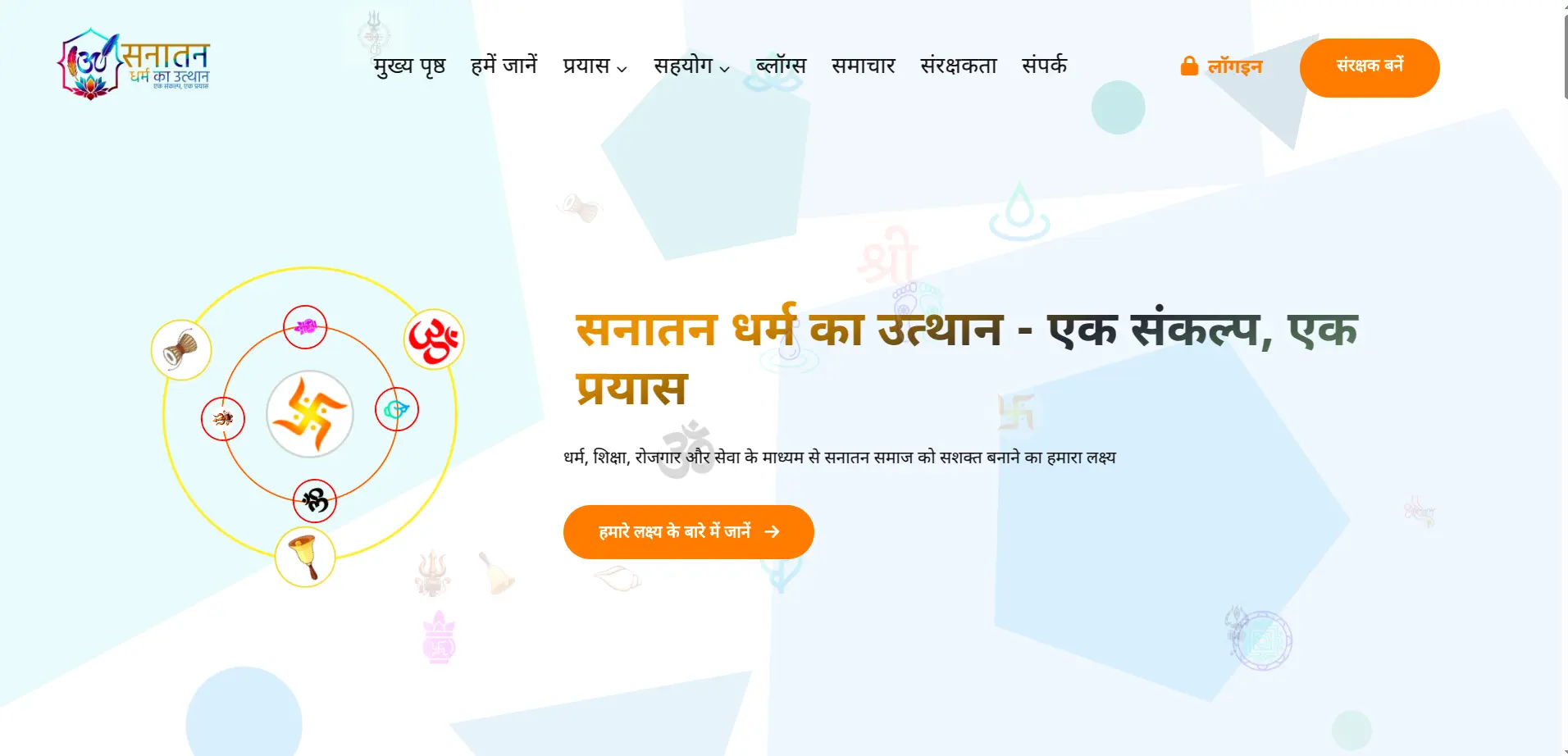

Crafting Excellence with Cutting-Edge Technologies










WHAT OUR CLIENT SAY

Ramesh Singh
I have associate with Techthaastu to develop my saloon website and it was Very Good Experience, Professional Work, Strongly Recommend Other People.
Bhupender Singh
Exemplary Web Development Firm! Astounding Proficiency, Seamless Correspondence, and Enthralling Creations. Warmly Advocated

Mukesh Pasbola
Tech Thastu is one of the best professional organised company to develop professional website and online marketing channel to develop business growth. I have been used their services for my business growth. Their Team provides the best outcome of services that matches the business profiles and requirements to make changes in the marketing platform.
Aman Sharma
I chose TechThaastu for my mobile app project, and they effortlessly met all my requirements. Their highly experienced team can tackle any issue in minutes, making the entire experience incredibly smooth and professional.
Frequently Asked Questions
Explore Related Blogs of the Website Development in Delhi
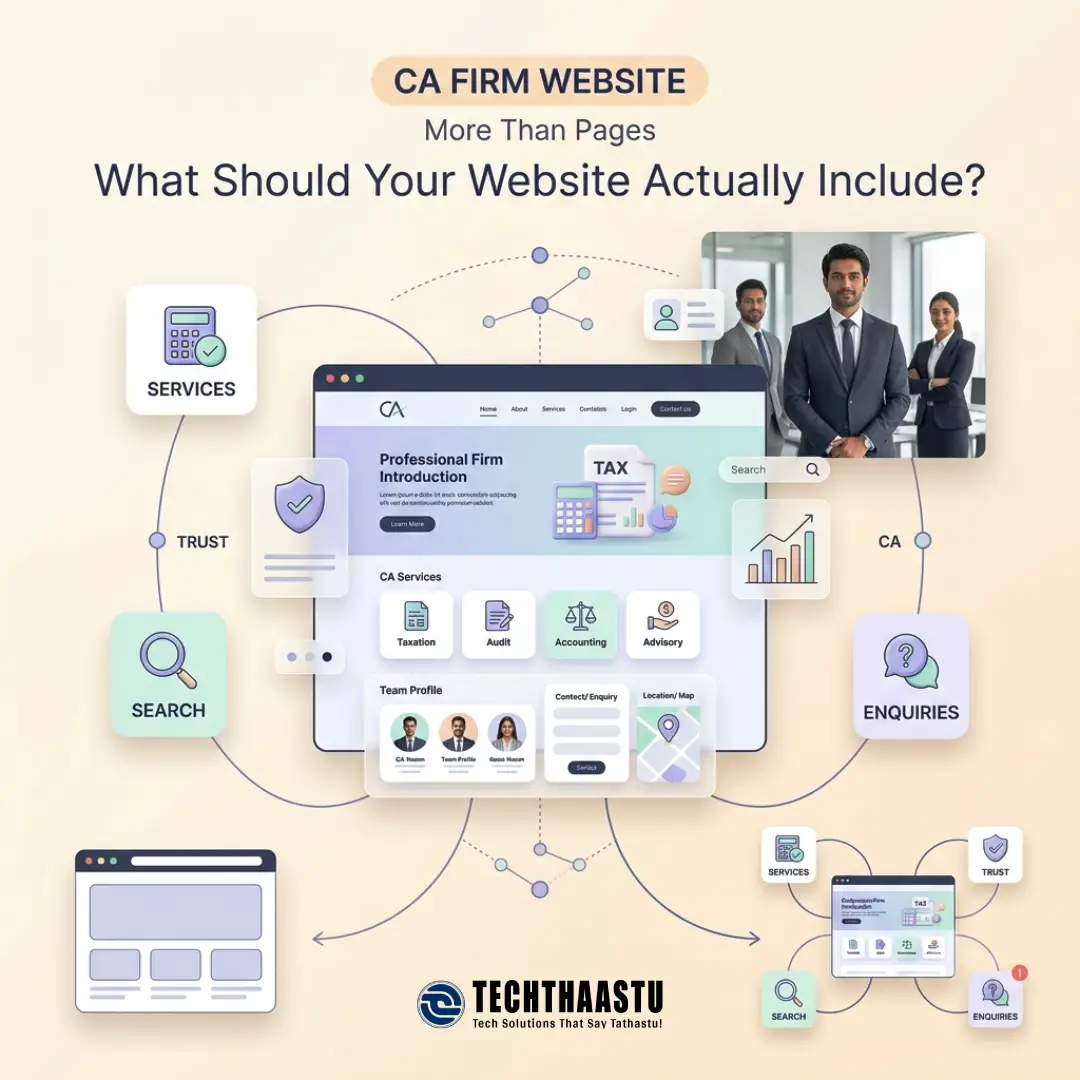
Learn what a CA firm website needs: pages, SEO, ICAI considerations, features, cost factors and content. Plan your website with this practical guide.
Updated On: 2026-09-23 17:16:37
Read More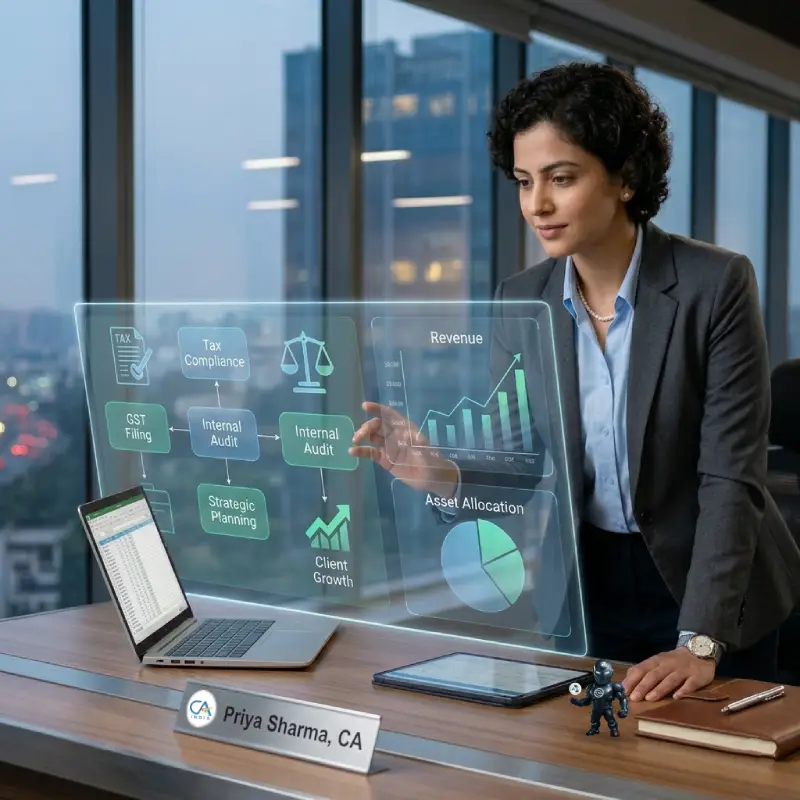
Struggling to grow your CA firm? Discover the real challenges CA service providers face daily, practical solutions, and how Techthaastu helps you build a thriving practice.
Updated On: 2026-03-23 14:58:43
Read More
Why PHP frameworks like Laravel and CodeIgniter4 remain strong choices for business web apps in 2026. Financial benefits, pros & cons, top frameworks and future trends.
Updated On: 2025-10-14 18:59:11
Read More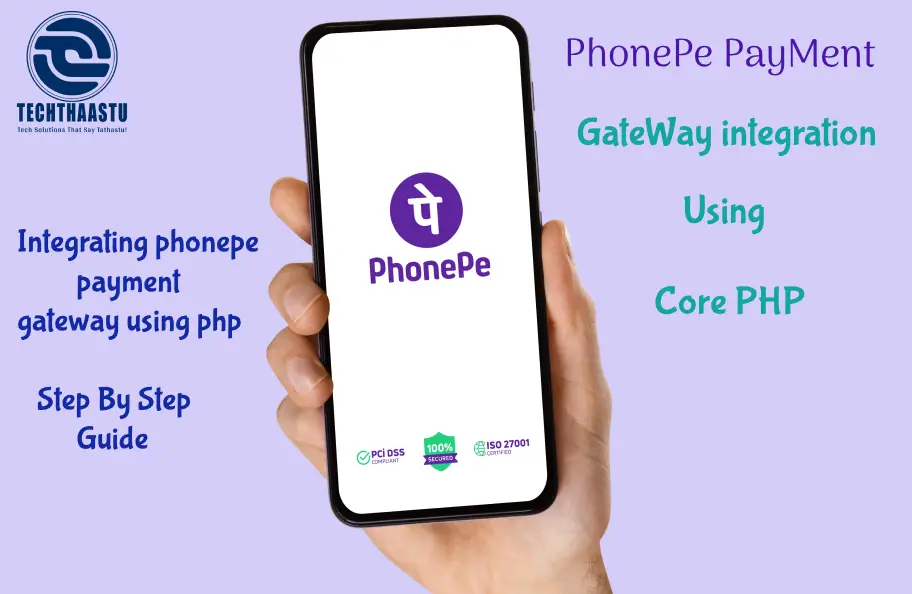
Integrate PhonePe payment gateway in your website for secure and seamless online transactions. Techthaastu Sharing Source Code and Instuctions how to implement PhonePe Payment Gateway.
Updated On: 2025-05-19 13:44:22
Read More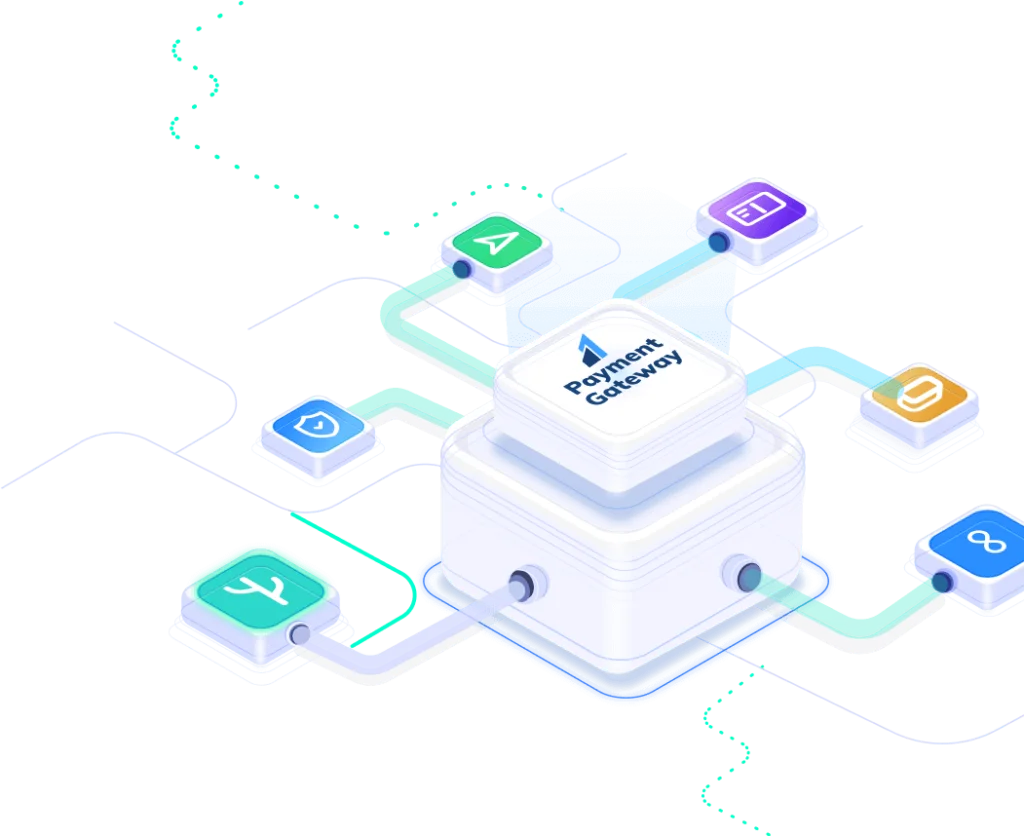
Step-by-step Razorpay setup for CodeIgniter websites. Enable secure payments, multiple options, easy refunds & user-friendly checkout. Start integrating now!
Updated On: 2025-03-24 15:55:29
Read MorePlease feel free to call or email us, or use our contact form to get in touch with us. We look forward to hearing from you!
Our office:
Techthaastu Private Limited, Pt. Mehru Marg, Near Govt. Girls Senior Secondary School(Bijwasan), vill. Bharthal, Dwarka sector 26, New Delhi, India 110077
Call us:
+918383889042
Send Us Mail:
contact@techthaastu.com
Contact Techthaastu Team today and let our experienced team of professionals transform your digital aspirations into reality
 Techthaastu builds practice management systems, client portals, and automation tools for CA firms, legal practices, and insurance companies across India. Based in New Delhi. Real team. Real results.
 Just send us a mail.
Techthaastu Private Limited, Pt. Mehru Marg, Near Govt. Girls Senior Secondary School(Bijwasan), vill. Bharthal, Dwarka sector 26, New Delhi, India 110077
Techthaastu Support Team
Typically replies within an hour