What We Already Done Yet
CHECK OUR CREATIVE WORK
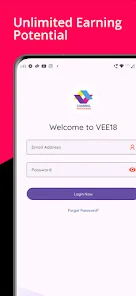

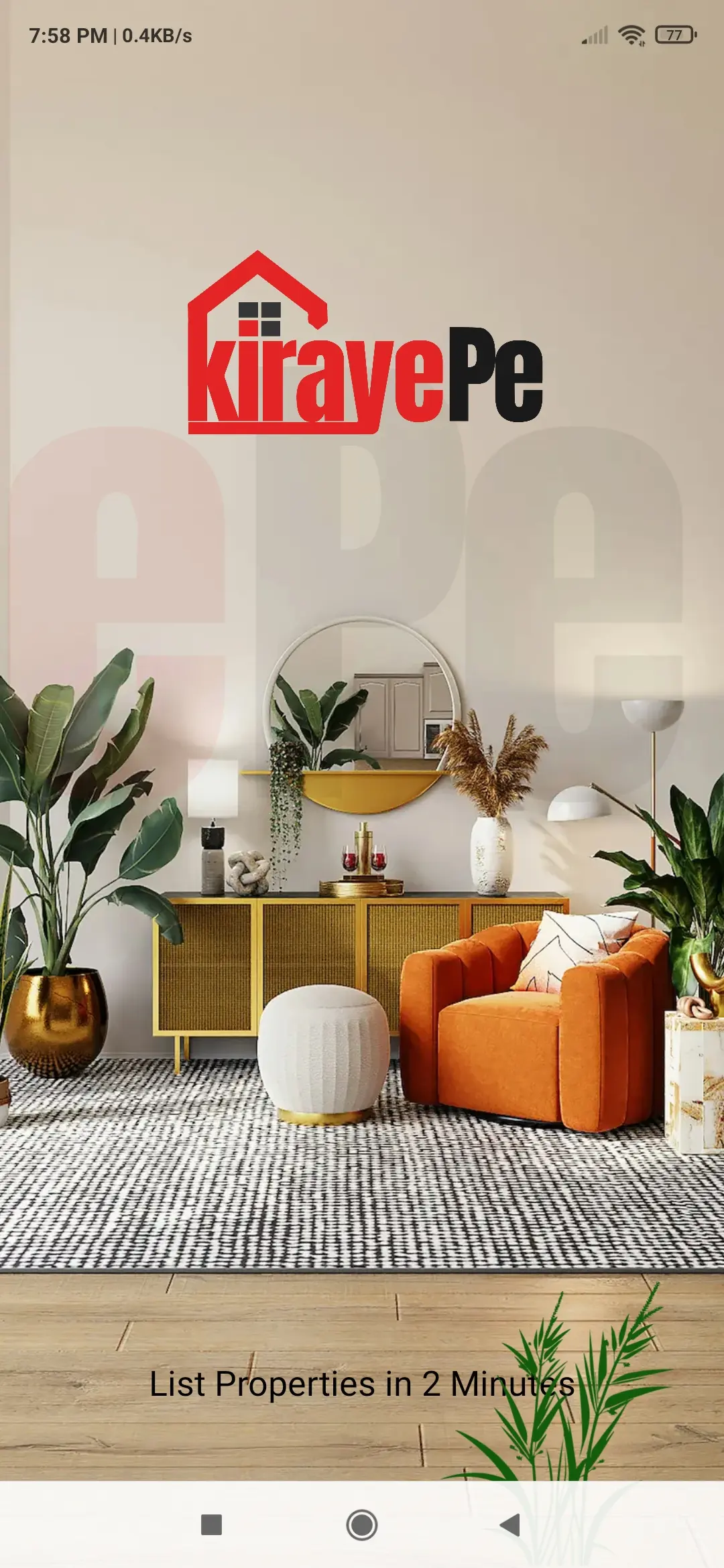
A business application should solve a defined problem, not simply reproduce a website on a mobile screen. Techthaastu Pvt Ltd works with businesses in Dwarka, Delhi, to plan Android applications around customer interactions, employee tasks, service delivery, document workflows and existing business systems.
The starting point is your workflow: who will use the app, what they need to do, which information they can access and what the business needs to see after an action is completed.
Discuss Your ProjectChoose technology according to the task, not the trend
Customers regularly book services, submit documents, place orders or check progress. A dedicated app can make repeat actions easier to access and complete.
Possible outcome: A clearer self-service journey and fewer repetitive enquiries.
Sales representatives, delivery personnel, service engineers or field teams need to record activities, upload evidence, update status or access assigned tasks while on the move.
Possible outcome: More structured field reporting and less manual coordination.
A startup is building a service where users need accounts, personalised screens, recurring actions, subscriptions or app-specific device capabilities.
Possible outcome: A product architecture that can be evaluated and extended as requirements develop.
If customers mainly need business information and a contact form, a responsive website may be sufficient. If users need secure, role-specific access to records, a portal may be appropriate. If they need to complete tasks, update records or trigger workflows, a web application or Android app may be justified. The decision depends on users, frequency of use, device needs, integration requirements and total ownership cost.
Practical use cases for different operating models
A logistics business may need drivers to receive assigned jobs, record collection and delivery status, upload delivery evidence and report exceptions.
Business value: A more consistent record of field activities and fewer status updates managed entirely through calls and messages.
Sales teams, dealers and customers may need mobile access to product information, quotations, orders or service requests.
Business value: Better-organised order communication and more consistent information sharing, subject to available inventory and ERP integrations.
Businesses with repeat customers may benefit from mobile ordering, product discovery, order history and service notifications.
Business value: A more convenient repeat ordering process and a clearer view of customer requests.
Practices managing recurring client work may need a structured way for clients to submit documents, view requests and check the status of assigned tasks.
Business value: Less fragmented document collection and clearer follow-up, with access controls suited to confidential financial information.
Where the business process supports it, a mobile application can help customers or authorised staff submit service requests, provide documents and check request status.
Business value: Better-organised service interactions without implying that the app itself provides regulated financial or insurance advice.
A new digital product may need a mobile interface connected to accounts, business rules, databases and an administrative system.
Business value: A defined foundation for testing product assumptions and extending functionality according to actual requirements.
The mobile interface is only one part of the solution
The screens and interactions users access on their phones: registration, search, forms, task lists, document uploads, notifications and other agreed features.
The server-side rules, records and interfaces that process requests, validate permissions, store information and exchange data with other systems.
Depending on scope, authorised staff may need tools to manage users, review submissions, update records, monitor requests or connect to existing business software.
| Solution type | Best suited to | Typical role |
|---|---|---|
| Business website | Public visitors and prospective customers | Explain services, answer questions and capture enquiries |
| Web portal | Registered customers, employees or partners | Provide authenticated, role-specific access to information |
| Web application | Users performing structured business tasks | Manage workflows, records, approvals and operations |
| Android application | Users who need a dedicated Android experience | Support mobile workflows and appropriate device features |
These components can be combined when necessary. For example, a logistics application may need an Android app for drivers, an API for business records and an admin panel for dispatch staff. The actual architecture depends on the existing systems and the requirements of the project.
Decisions made before development affect the app's reliability, maintainability and cost. Techthaastu's planning should establish the required functionality, data flows and operating assumptions before the implementation scope is finalised.
Define who can sign in, what each role can access, how accounts are recovered and how sensitive actions are authorised. Hiding a button alone is not access control; the backend must enforce permissions too.
Identify available APIs, data formats, authentication methods, rate limits and licensing restrictions. Integration feasibility must be checked before promising that two systems can exchange information.
Test realistic devices, network conditions, large files, loading states and failed requests. Offline functionality requires deliberate data-sync and conflict-handling rules; it is not automatically included in every app.
Decide what information is collected, where it is stored, who can access it, how backups and logs are handled and which party maintains dependencies, server infrastructure and app updates after launch.
Define the requirements before committing to the build
Understand users, business objectives, current processes, recurring problems and the outcome the app should support.
Define screens, roles, data flows, backend requirements, integrations, dependencies and features for the initial release.
Plan navigation, screen layouts, form interactions, loading states and error handling around the actual tasks users need to complete.
Implement the agreed Android functionality, backend APIs, database operations and integrations included in the project scope.
Check agreed workflows, permissions, device compatibility, network failures, data validation and integration behaviour before release.
Agree on publishing responsibilities, required account access, deployment steps, documentation, source-code handover and any separately contracted maintenance.
Tools such as AI coding assistants and AI-enabled development environments can accelerate prototypes, routine implementation and selected testing tasks. A working demo, however, is not proof that a production application is ready.
The engineering decisions still matter: whether permissions are enforced correctly, sensitive data is handled appropriately, integrations behave reliably, errors are recoverable and the code can be maintained as requirements change.
Techthaastu's positioning is based on using technology to support development while retaining human technical judgement over requirements, architecture, implementation choices and release readiness. Specific review, monitoring and maintenance activities should be agreed as part of the project scope.
A reliable estimate depends on what the application must do, not simply the number of screens. Two apps with similar interfaces may have very different engineering requirements because their permissions, backend workflows and integrations differ.
Share the problem you want to solve, the intended users, essential features and any existing software. If the scope is not yet clear, start with the business workflow and identify the minimum useful first release.
Request a QuotationThe timeline depends on scope, design approval, integration access, data migration, testing and the availability of business stakeholders. A limited application with defined workflows generally requires less work than a multi-role platform with several external integrations. A delivery schedule should be proposed after the requirements and dependencies have been reviewed.
A few clear details help define the right scope
These details help both parties establish clearer responsibilities and reduce avoidable scope confusion.
Whether you are planning a customer-facing app, a mobile tool for employees or an application connected to existing business software, the first step is to establish the users, workflow, technical dependencies and expected outcome.
Share your current process and the difficulty you want to address. Techthaastu can use that information to discuss suitable implementation options and the scope that needs to be estimated.
Discuss Your Project Contact TechthaastuCHECK OUR CREATIVE WORK
Crafting Excellence with Cutting-Edge Technologies



WHAT OUR CLIENT SAY

Ramesh Singh
I have associate with Techthaastu to develop my saloon website and it was Very Good Experience, Professional Work, Strongly Recommend Other People.
Bhupender Singh
Exemplary Web Development Firm! Astounding Proficiency, Seamless Correspondence, and Enthralling Creations. Warmly Advocated

Mukesh Pasbola
Tech Thastu is one of the best professional organised company to develop professional website and online marketing channel to develop business growth. I have been used their services for my business growth. Their Team provides the best outcome of services that matches the business profiles and requirements to make changes in the marketing platform.
Aman Sharma
I chose TechThaastu for my mobile app project, and they effortlessly met all my requirements. Their highly experienced team can tackle any issue in minutes, making the entire experience incredibly smooth and professional.
Frequently Asked Questions
Explore Related Blogs of the Android App Development in Dwarka
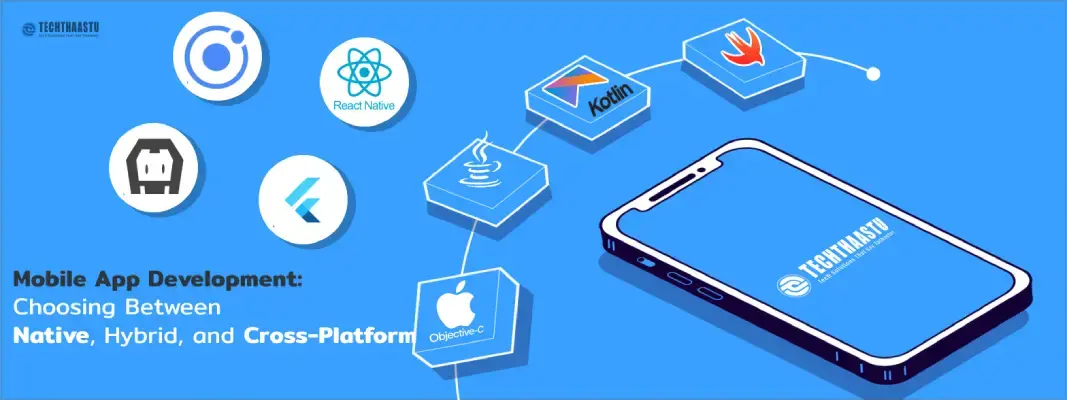
advantages and disadvantages of each, Recommendations for businesses on choosing the right app development approach based on their specific needs.
Updated On: 2024-08-05 18:17:17
Read More
Transform your business with a revolutionary mobile app solution.
Updated On: 2026-03-18 16:26:20
Read MorePlease feel free to call or email us, or use our contact form to get in touch with us. We look forward to hearing from you!
Our office:
Techthaastu Private Limited, Pt. Mehru Marg, Near Govt. Girls Senior Secondary School(Bijwasan), vill. Bharthal, Dwarka sector 26, New Delhi, India 110077
Call us:
+918383889042
Send Us Mail:
contact@techthaastu.com
Contact Techthaastu Team today and let our experienced team of professionals transform your digital aspirations into reality
 Techthaastu builds practice management systems, client portals, and automation tools for CA firms, legal practices, and insurance companies across India. Based in New Delhi. Real team. Real results.
 Just send us a mail.
Techthaastu Private Limited, Pt. Mehru Marg, Near Govt. Girls Senior Secondary School(Bijwasan), vill. Bharthal, Dwarka sector 26, New Delhi, India 110077
Techthaastu Support Team
Typically replies within an hour